

Active Aftershoot coupon: ARTHUR20 gives 20% off your subscription
Arthur Rosarecommends
Aftershoot coupon and promo code

Aftershoot Coupon: 20% off with code ARTHUR20

Quick answer: the Aftershoot coupon is ARTHUR20. This promo code gives 20% off your Aftershoot subscription. Enter ARTHUR20 in the promo code field when you subscribe.

I use Aftershoot in my wedding workflow to edit with AI in my own style and deliver photos to couples in online galleries. Below I explain how to apply the coupon and what actually changes day to day.

Updated November 5, 2026 Code tested 30 days free, no card
20%off with ARTHUR20
30 daysfree trial, no credit card
Unlimitedno per-image fees
Offlinephotos processed on your computer
Step by step

How to use the Aftershoot coupon

It takes less than a minute. The promo code goes in at checkout, before you confirm payment.

Copy the code

Click copy and keep the coupon ARTHUR20.

Create your account

Sign up through my link and download the app for Windows or Mac. The 30-day trial needs no card.

Choose a plan

Culling, editing, retouching or the Complete plan with everything.

Apply the discount

At checkout, paste ARTHUR20 into the promo code field. The 20% comes off the total.

Start free trial and use the coupon

Why I use it

What Aftershoot changed in my post-wedding workflow

“The time I used to spend editing now goes to shooting, serving couples and being with my family.”

I have photographed weddings for over 12 years and more than 400 couples. The most time-consuming part was never the wedding day: it was the following week, in front of the computer, editing photo by photo.

With AI editing, Aftershoot learns my color style and applies it consistently across the whole wedding, even when the light changes from getting ready to ceremony to reception. I review, fine-tune and I'm done. Then I deliver everything in an elegant online gallery, without exporting and re-uploading to another platform.

The practical result: faster deliveries, happier couples and far fewer nights lost to editing.

Arthur Rosa, wedding photographerAR
Arthur RosaWedding photographer · @arthurrosa
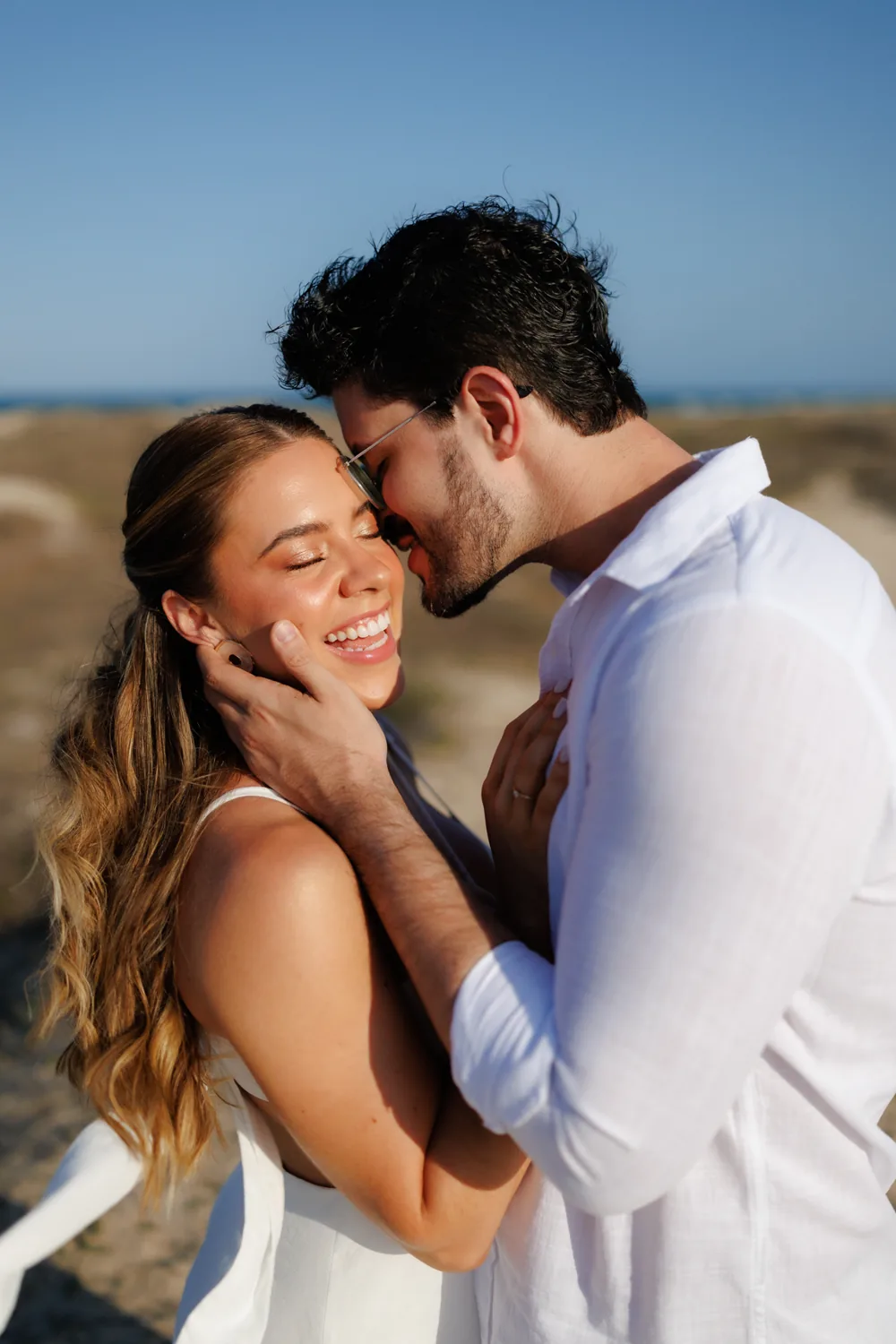
Couple session on the beach edited with Aftershoot AI in Arthur Rosa's style
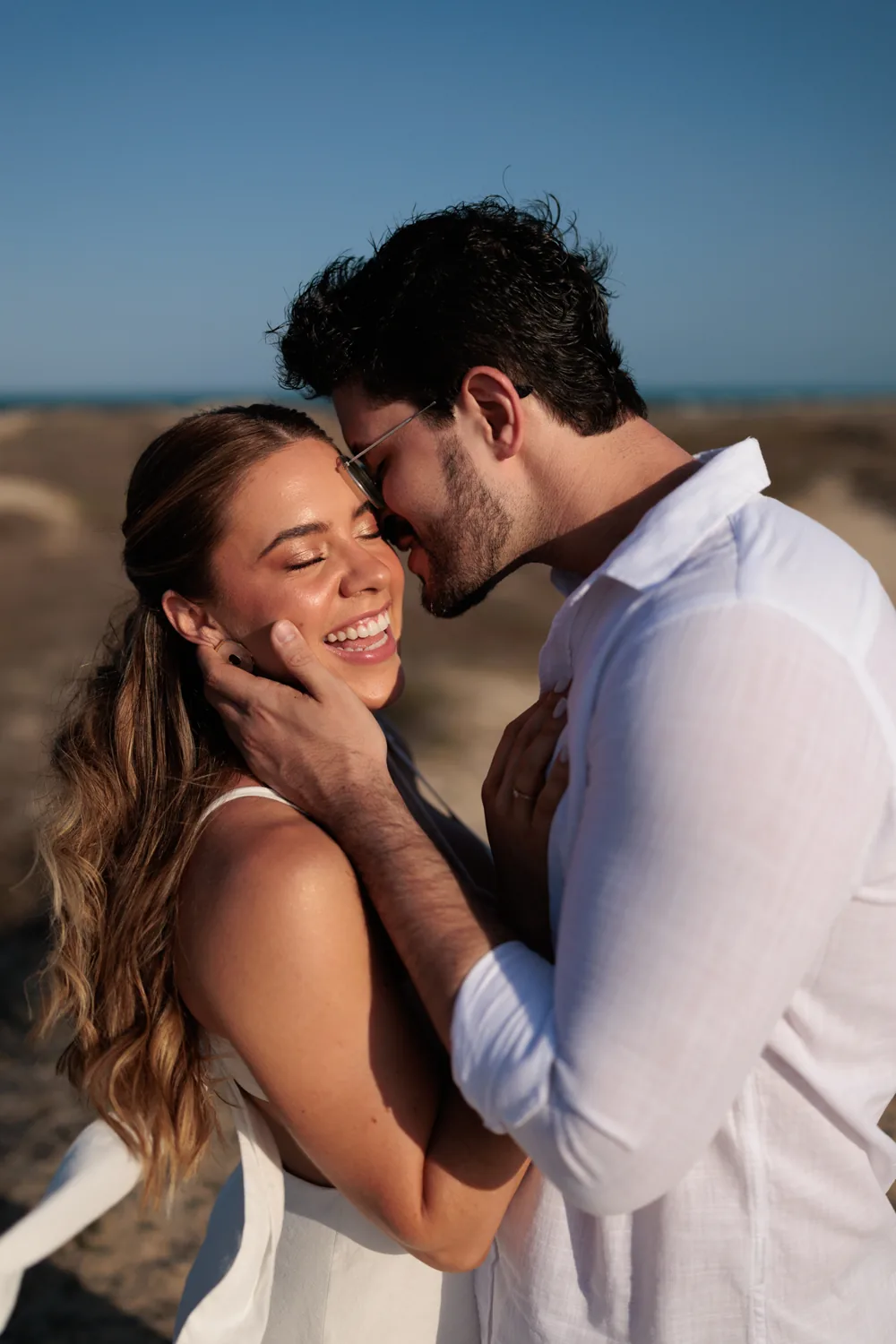
Same couple photo as a RAW file, before editing in Aftershoot
RAWAI EDITED

A real photo from one of my sessions. Drag to compare the RAW with the AI edit.

In practice

See my real Aftershoot workflow

In this video I show how I use Aftershoot day to day: AI editing in my style and photo delivery to couples in an online gallery. The narration is in Portuguese, but the workflow on screen speaks for itself.

AI editingMy profile applies my style to the whole wedding.
Fine-tuningI review and fix only what needs it.
Gallery deliveryStraight from the editor to the client.

Try free and use ARTHUR20

What you get with the coupon

Your whole post-production in one place

The two features that save me the most time are highlighted. The others complete the workflow.

My biggest time saver

AI editing in your style

Train a profile on photos you already edited in Lightroom or Capture One, convert one of your presets, or use ready-made styles from well-known photographers. The AI applies the look to the entire album.

  • Personal profile trained on your own edits
  • Consistency across different lighting conditions
  • Built-in RAW editor for fine adjustments
  • Automatic cropping, straightening and masking
  • Exports to Lightroom, Capture One and Photoshop
How I deliver to clients

Client delivery galleries

From the editor straight to a beautiful, branded online gallery, with no re-uploading. Couples find their own photos fast and pick favorites right there.

  • Face search so clients find their own photos
  • Favorites, comments and album proofing
  • Watermarks and screenshot protection
  • Print store with 0% Aftershoot commission
  • Works great on mobile and in six languages
Culling

AI photo culling

From thousands of frames to your final selection in minutes. Groups duplicates, flags closed eyes and blur, and learns your choices over time. Nothing gets deleted.

Retouching

AI retouching

Skin, stray hairs, glasses glare and background distractions, with a natural finish applied to the whole batch at once.

Prices with coupon

How much you save with ARTHUR20

Pick a plan and see the yearly price with the 20% promo code discount.

$540/year
$432
You save $108 per year

Get 20% off with ARTHUR20

“Starting at” prices on annual billing, per the official Aftershoot site in November 2026. Taxes may apply depending on your country. Confirm the final price at checkout.

Plan (billed annually)Official priceWith coupon ARTHUR20
Aftershoot Complete$45/mo ($540/year)$36/mo ($432/year)
AI Editing$30/mo ($360/year)$24/mo ($288/year)
AI Retouching$20/mo ($240/year)$16/mo ($192/year)
AI Culling$10/mo ($120/year)$8/mo ($96/year)

Galleries has a free plan with 10 GB and paid plans with more storage.

FAQ

Questions about the Aftershoot coupon

What is the Aftershoot coupon code?

The Aftershoot coupon is ARTHUR20. It gives 20% off the subscription. Just enter the code in the promo code field when you subscribe.

What is the Aftershoot promo code?

Same thing: ARTHUR20. Coupon, promo code and discount code all mean the same here. The checkout field accepts the code and applies 20% off the subscription.

How do I apply code ARTHUR20?

Create your account through the link on this page, choose your plan and, at checkout, paste ARTHUR20 into the promo code field before paying. The discount shows in the total.

Does Aftershoot have a free trial?

Yes. 30 days with full access and no credit card. You can test it on a real wedding and only use the coupon when you decide to subscribe.

Can I combine the coupon with Black Friday or other sales?

Checkout usually applies one discount per purchase. If an official sale is running, compare both options at checkout and keep whichever saves you more.

Does AI editing really match my style?

Yes, as long as you train the profile well. Aftershoot needs at least 2,500 edited photos to build a personal profile and recommends 5,000 or more. If you don't have that volume, you can convert a Lightroom preset or use ready-made styles.

Can I use only Galleries to deliver photos to clients?

Yes. Galleries works on its own, with a free 10 GB plan. Combined with the editor, you deliver straight from the app with no exporting and re-uploading.

Do my photos go to the cloud?

Not for culling, editing or retouching. Processing happens on your computer and works offline. For gallery delivery, photos are naturally online so clients can access them.

What computer do I need?

A recent Windows or macOS machine with at least 8 GB of RAM. Features like retouching may not work well on Intel integrated graphics or GPUs with less than 2 GB of VRAM.

Save hours after every wedding and pay 20% less

Try it free for 30 days with no card. When you subscribe, use the promo code:

ARTHUR20

Activate Aftershoot coupon
ARTHUR2020% off Aftershoot
Copy and open
Coupon ARTHUR20 copied ✓